Put a QR at the front desk and on your posters. Visitors see plans, book a trial and follow you in one go.
FPFitLife PhysioSports & spine careBook a sessionExercise videosFees
ekqr.me/fitlifephysio
What gyms use EkQR for.
Trial bookings
Free slots for trial sessions, confirmed on WhatsApp.
Plans & timings
Membership plans and class schedules, always current.
Socials
Instagram and YouTube right on the page.
Numbers
See which poster or link brought people in.
Templates that fit. Swap any time.
FPFitLife PhysioSports & spine careBook a sessionExercise videosFees
ekqr.me/fitlifephysio
NEW REELAanyaCodesTech reels · DelhiLATEST REELMy YouTubeShop my setupCollab with me
ekqr.me/aanyacodes
Fade RoomBarber · walk-ins welcomeWALK-INS OPENBook a cutJoin the queuePricesWhatsApp us
ekqr.me/faderoom
Live in three steps.
01
Claim your link
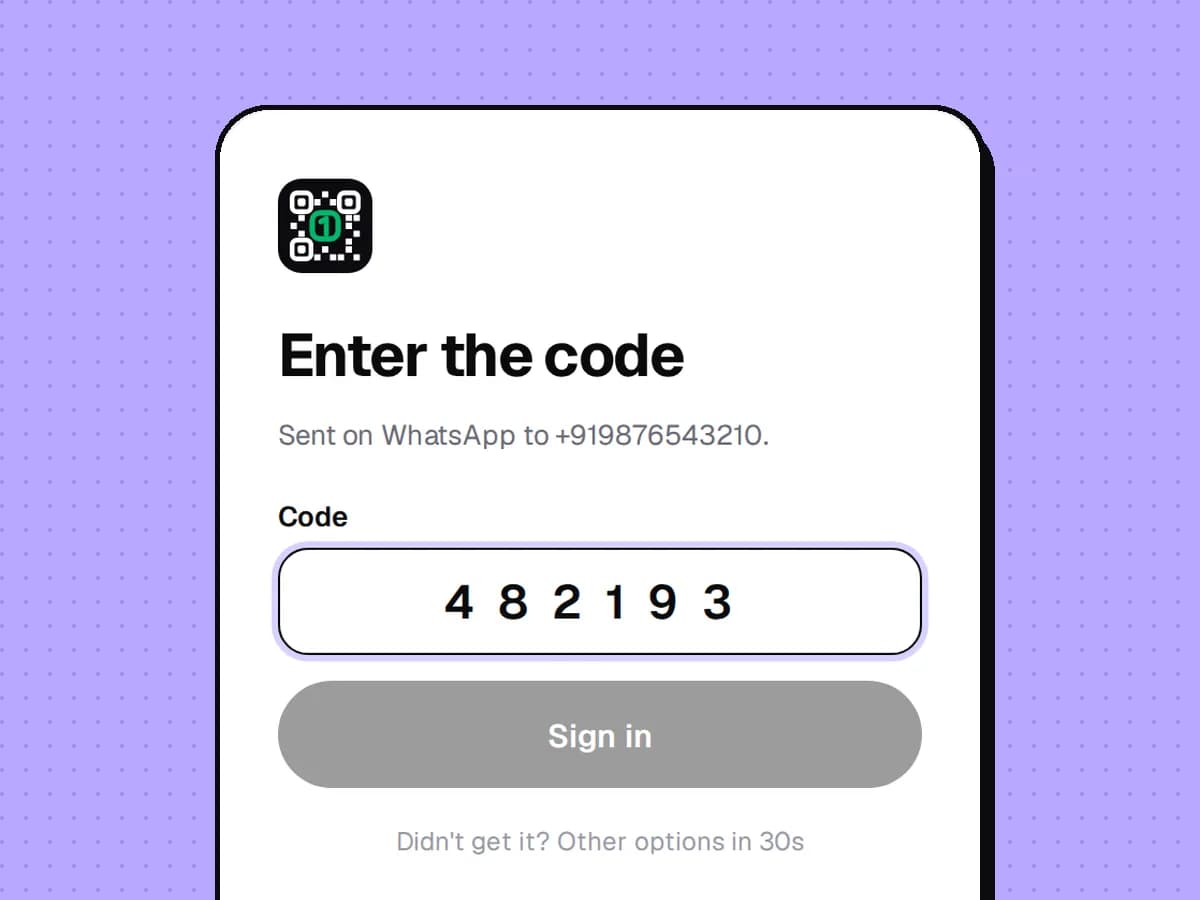
Log in with your phone — the code comes on WhatsApp. Pick your page name.
02
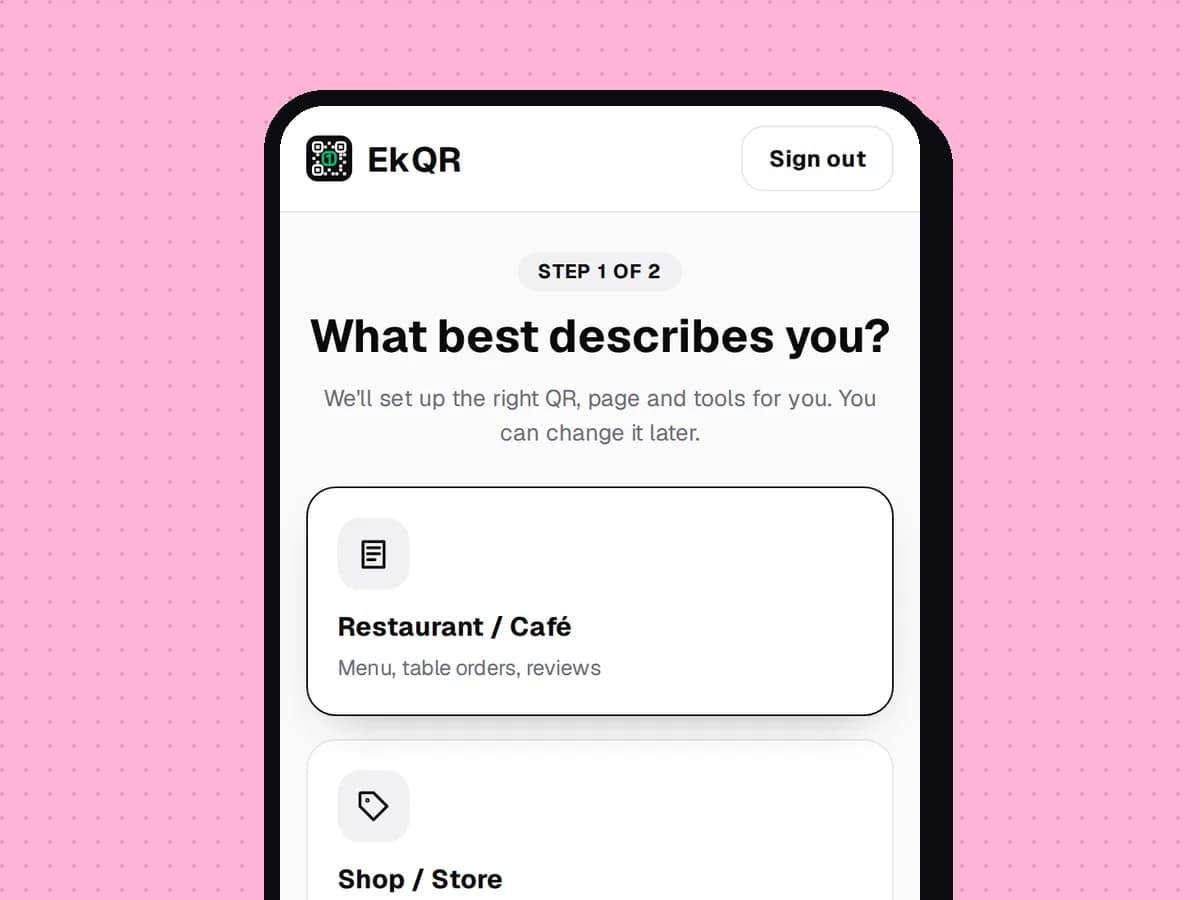
Pick what customers get
Menu, booking, reviews, Instagram, UPI — tap to switch on. Paste your Google Maps link and we find your review page.
03
Print & share
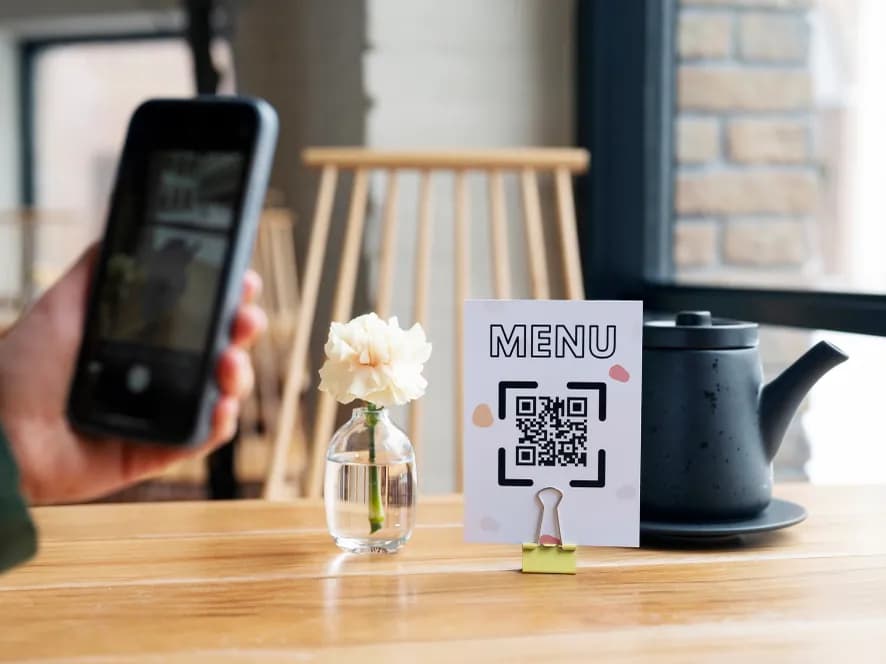
Download a print-ready table tent, sticker or standee. Put the link in your Instagram bio.
Questions, answered.
Can I have a QR per poster?
Yes — extra QRs share your page and show up separately in your numbers.
Is it really free?
Yes. The free plan gives you a page, a QR and print-ready designs, with a small “Powered by EkQR” line. Paid plans add orders, bookings and AI, and remove the line.
Can I change things after printing the QR?
Any time. The printed QR points to your page, so you change the page — prices, links, offers — and every QR you've printed shows the new version.
Do my customers need an app?
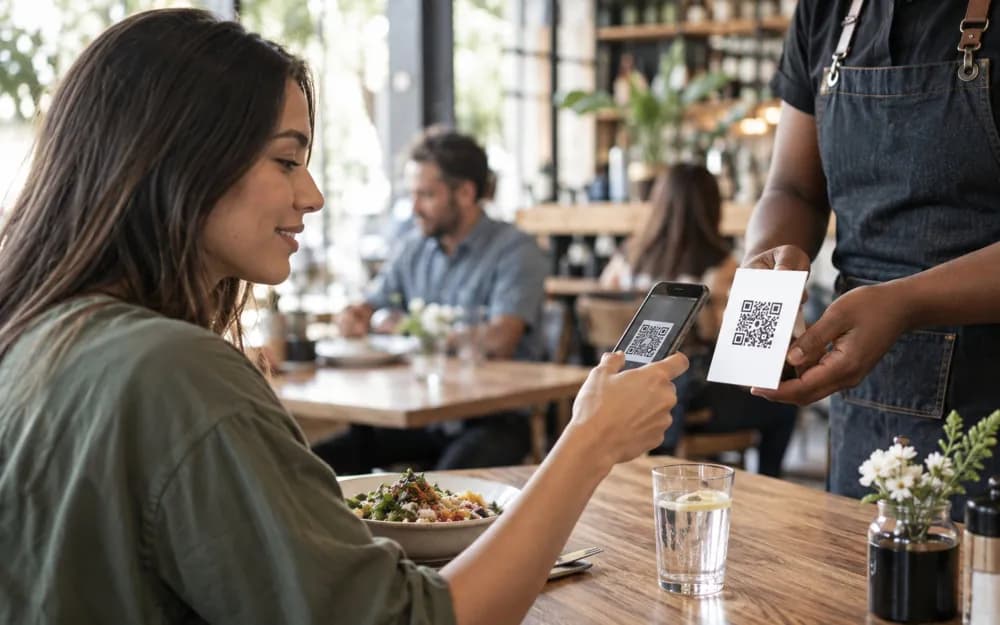
No. Any phone camera opens your page in the browser.
 FPFitLife PhysioSports & spine careBook a sessionExercise videosFeesekqr.me/fitlifephysio
 LATEST REELMy YouTubeShop my setupCollab with me
 Fade RoomBarber · walk-ins welcomeWALK-INS OPENBook a cutJoin the queuePricesWhatsApp us